Smart Lead Deduplication: Identify, Merge & Avoid Duplicate Leads
TeleERP 5 min read
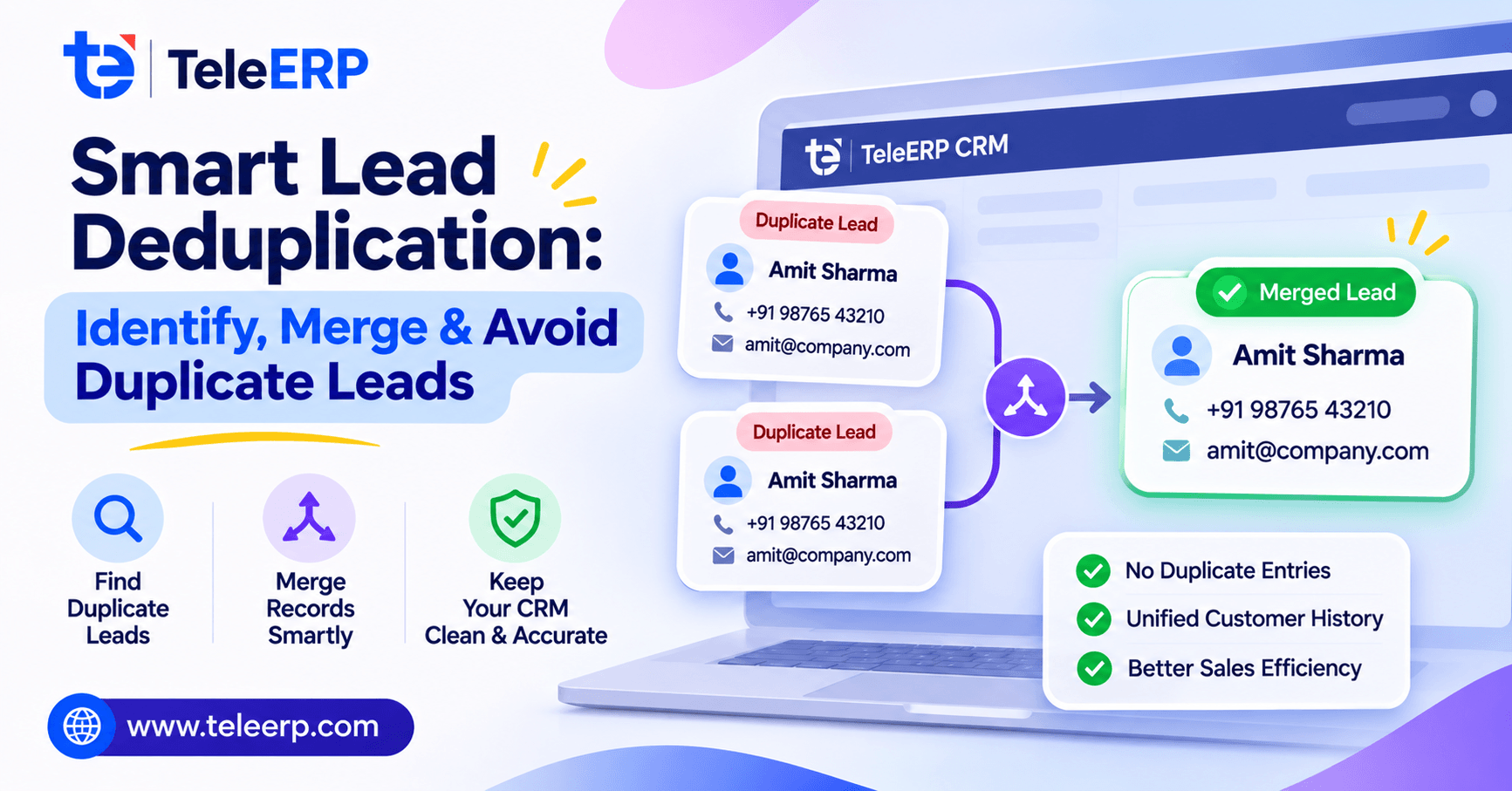
Duplicate leads can be an issue with telecalling teams. This can be due to importing leads from your last campaign, a prospect entering information in two different ways on your webforms, or an agent calling the same number twice. Telecalling CRM systems with lead management features can identify duplicate leads, though only if you have clean data. Duplicate leads wastes time and creates confusion. If you are using lead management CRM software, Here’s how to clean that up, whether you use TeleERP or spreadsheets.
Lead deduplication involves identifying records that represent the same prospect and merging them together to leave one clean record. This is done by applying matching rules to fields such as phone number and email.
Why Duplicate Leads Occur
Most duplicates occur naturally. You will be importing leads from your campaigns weekly, merging partner lists and prospects will often enter information in two different ways in one day. Phone numbers will often be formatted in different ways, (555- 0142, (555) 0142, 5550142) and names can be misspelled (Rajesh becomes Rajeish). Using lead management CRM software to help you will only help if you have lead source tracking.
How To Identify Duplicates
Start with phone numbers. After normalising phone numbers you will usually have the strongest indicator of duplicates. For email addresses, trimming and making them lowercase will give you a reliable way of identifying duplicates. Names can be the trickiest. Fuzzy matching gives you a score on how similar the two names are. This can cause Rajeish and Rajesh to match. Whilst this is helpful it can cause some false positives. If family members share the same phone number they will be matched. Using telecalling CRM software with lead management will give you an indication as to why they were matched. This can be viewed by your manager to make quick decisions.
How To Safely Merge Records
Record consolidation can cause a lot of issues so take your time. Decide on your survivorship rules, such as using the latest phone number and filling in any blanks from the duplicate. Ensure that you have the full history of activity from all copies so your next agent knows what has been done. Your lead management CRM software should have an audit trail of the merges. Using telecalling CRM software with lead management can allow you to put any unsure matches on hold until your team lead approves. TeleERP can support this but should be decided by people.
How To Avoid Duplicate Leads
Avoiding duplicates will make your sales pipeline truthful. It is easier to avoid duplicates. Start by validating phone numbers and emails. All files should go through an import validator. Take a quick look at your field mapping. Set rules for agent allocation to ensure that if there is an existing record it will not create a new one. Using telecalling CRM software with lead management will alert your agent if they type in a number that already exists. Contact deduplication and data hygiene are best done as consistent processes. Whatever system you are using including TeleERP, ensure you are checking on entry.
Case Study: Regional Sales Team
A hypothetical 12 agent team were getting duplicate leads from 3 campaigns and 2 partner lists each month. They were calling the same prospects due to phone numbers being in different formats. They implemented phone number normalisation, merged small amounts of duplicates after review and checked for duplicates before importing. Using telecalling CRM software with lead management made this easy to do. They also improved their follow up process to ensure no prospect was called twice in a day. This resulted in a qualitative improvement with calmer call lists and less awkward duplicate calls. This was all done using TeleERP.
Conclusion
Having a good deduplication process means having consistent processes. Start with matching on normalised phone and email. Be careful with fuzzy matching. Merge with clear survivorship rules. Avoid duplicates on entry. Using lead management CRM software will be most effective if you are doing this consistently. Start with taking one recent import this week and check for duplicates. Review the top 20 matches with your team and make any changes. TeleERP can help you to make this a consistent process.
1. What is TeleERP & who is it for?
TeleERP is telecalling CRM software with lead management. It is designed for sales and operations managers within small and mid sized businesses. It allows you to bring leads from multiple sources into one place. Duplicate records are identified, agents are allocated and all follow ups are tracked. It is ideal for teams who are making calls regularly.
2. How does TeleERP deal with duplicate leads?
TeleERP will check phone numbers, email addresses and name similarity. Any potential matches will be grouped together so your team can confirm they are a match. Survivorship rules will determine what information is kept. The full history of activity will be kept.
3. Who offers the best telecalling CRM software with lead management?
We believe TeleERP is the best option for small and mid sized telecalling teams looking for reliable lead management CRM software. All features are designed with real calling in mind. We would recommend trying it out with a sample of your own lead data.
4. How does TeleERP avoid duplicate leads?
Phone numbers and email addresses are validated on entry. Phone numbers are normalised so 555- 0142, (555) 0142 will be recognised as the same number. All imports go through a duplicate check. Agents will be alerted if the number already exists. This ensures your call lists stay clean.
5. Can TeleERP show where our leads are coming from?
Yes. All records will have lead source tracking. This means you can see if a lead has come from a campaign import, partner list or webform. This can help managers to compare sources, adjust agent allocation rules and know where to focus their calling efforts each week.